
10 Tips to Generate
Website Traffic from
Pinterest Effortlessly
Transform your Pinterest strategy and watch your website traffic soar
Create Eye-Catching Vertical Pins
Design pins with a 2:3 aspect ratio (1000x1500px) that stand out in Pinterest feeds. Use bold colors, readable fonts, and compelling visuals that make users want to click.
Optimize Your Pinterest Profile
Convert to a business account, use a keyword-rich bio, add your website link, and choose a clear profile photo that represents your brand consistently.
Use Keyword-Rich Pin Descriptions
Write detailed descriptions with relevant keywords that your audience searches for. Include hashtags and clear calls-to-action to drive traffic to your website.
Create Themed Pinterest Boards
Organize content into specific, keyword-optimized boards that align with your niche. This helps Pinterest understand your content and show it to the right audience.
Pin Consistently & Strategically
Maintain a regular pinning schedule using Pinterest's native scheduler or third-party tools. Aim for 15-25 pins per day across different boards.
Create Multiple Pins Per Blog Post
Design 3-5 different pin variations for each piece of content. Test different titles, colors, and layouts to maximize your reach and engagement.
Join Group Boards in Your Niche
Participate in relevant group boards to expand your reach. Follow the rules, engage genuinely, and share high-quality content that adds value.
Enable Rich Pins for Your Website
Add meta tags to your website to enable Rich Pins. This provides extra context about your content and makes your pins more appealing and informative.
Analyze Pinterest Analytics
Monitor your Pinterest analytics to understand which pins perform best, when your audience is most active, and which keywords drive the most traffic.
Engage with Your Pinterest Community
Like, comment, and repin content from others in your niche. Building relationships and engaging authentically helps increase your visibility and reach.
Ready to Skyrocket Your Pinterest Traffic?
Implement these strategies today and watch your website traffic grow exponentially!
Start Your Pinterest JourneyPinterest is a fantastic tool for driving traffic to your website. It works like a visual search engine, where people look for ideas and inspiration. When you create eye-catching pins and share them, you can attract visitors to your blog or online store. I remember when I initial started using Pinterest; I was amazed at how quickly my website traffic grew just by sharing my content there.
In this story, I will share 10 simple tips to help you generate website traffic from Pinterest effortlessly. These tips will guide you on how to create engaging pins, use keywords effectively, and pin consistently. By following these strategies, you can open up the full potential of Pinterest and watch your website traffic soar!
Key Takeaways
- Create eye-catching pins and use engaging titles and descriptions with relevant keywords to attract clicks.
- Pin consistently, aiming for 1-3 pins daily, to maintain visibility and engagement on the platform.
- Use Pinterest boards effectively by categorizing your blog posts and creating multiple pins for each post.
- Incorporate rich pins to improve your content's visibility and provide additional information directly from your website.
- Analyze your pin performance regularly to refine your strategy and focus on what drives the most traffic to your site.
Optimize Your Pins for SEO and Discoverability
To make your pins better for SEO and easier to find on Pinterest, follow these simple tips. Initial, create eye-catching pins. Use bright colors and clear text. This helps your pins stand out. I like to use quotes or lists since they grab attention.
Next, use keywords in your pin titles and descriptions. For example, if you have a blog about healthy recipes, include words like "healthy," "easy," and "recipes." This helps people find your pins when they search.
Pin consistently! I recommend pinning 1 to 3 times a day. This keeps your content new and visible. You can use tools like Tailwind to schedule your pins ahead of time.
Join group boards related to your topic. This lets more people see your pins. Also, create a Pinterest board just for your blog posts. This makes it easy for visitors to find your content.
At last, always include a call-to-action. Encourage users to click through to your website. For example, you might say, "Click to find more delicious recipes!" This can help increase your website traffic.
Create Engaging Visual Content
Creating fun and interesting pictures is significant for getting visitors on Pinterest. Here are some helpful tips:
- Bright Pins: Use bold colors and clear images. For example, a colorful chart can catch attention fast.
- Use Keywords: Add significant words in your pin titles and descriptions. This helps people find your pins when they search.
- Create Many Pins: For each blog post, make 3-5 different pins. Change the images and words to keep it interesting.
- Pin Often: Try to pin every day. This keeps your content visible and helps you grow your audience.
- Curious Titles: Write titles that make people want to learn more. For example, "10 Fun DIY Projects You Can Try Today!"
Using these tips, I have seen my website visitors increase a lot. Remember, the more fun your pictures are, the more likely people will click and visit your site!
| Tip | Description |
|---|---|
| Bright Pins | Use bold colors and clear images to grab attention. |
| Use Keywords | Add significant words in titles and descriptions for better search results. |
Utilize Pinterest Boards Effectively
To use Pinterest boards well, you need to create fun and interesting content. Here are my top tips:
- Create a Blog Board: Make a special board just for your blog posts. This helps people find your articles easily.
- Use Eye-Catching Pins: Design pins that grab attention. Use bright colors and clear text. Infographics are great too!
- Include Keywords: Use significant keywords in your board names and pin descriptions. This helps your pins show up in searches.
- Pin Consistently: Try to pin 1-3 times every day. Being consistent helps you reach more people.
- Engage with Others: Follow other users and repin their content. This builds connections and helps you get noticed.
Remember, Pinterest is like a visual search engine. People are looking for ideas and inspiration. If you share valuable content, you'll bring more website traffic!
“The more people pinning your pins, the more traffic you’ll get!”
Use these tips to improve your Pinterest marketing and watch your audience grow!
Incorporate Strong Call-to-Actions in Your Pins
Using strong call-to-actions (CTAs) in your Pinterest pins is significant for getting people to visit your website. A CTA tells your audience what to do next. For example, you might say, "Click here for more tips!" or "Visit our blog for the full recipe!" This encourages users to take action.
Here are some tips to create effective CTAs:
- Be Clear: Use simple words. Make sure your audience knows what you want them to do.
- Use Action Words: Words like "find," "learn," or "join" can inspire users to click.
- Highlight Benefits: Explain what users will gain. For example, "Get your free guide!" shows they will receive something valuable.
- Make it Stand Out: Use bright colors or bold fonts to grab attention for your CTA.
By adding strong CTAs, you can engage your audience and bring more visitors to your website. Remember, every pin is a chance to connect with your audience!
Leverage User-Generated Content
Using user-generated content is a smart way to increase your website traffic from Pinterest. This means sharing pictures or stories from your followers. It makes your brand feel more real and friendly. For example, if someone shares a photo of themselves using your product, you can pin it to your board. This shows others how great your product is!
Here are some tips to get started:
- Create a special board for user photos. Invite your followers to share their pictures.
- Use a call-to-action. Ask your audience to share their experiences with your product.
- Engage with your audience. Comment on their posts and thank them for sharing.
By using user-generated content, you build brand awareness and create a community. This can lead to more traffic conversion and loyal customers. Remember, the more people see real users enjoying your product, the more they will want to check it out!
Analyze Your Pinterest Analytics for Insights
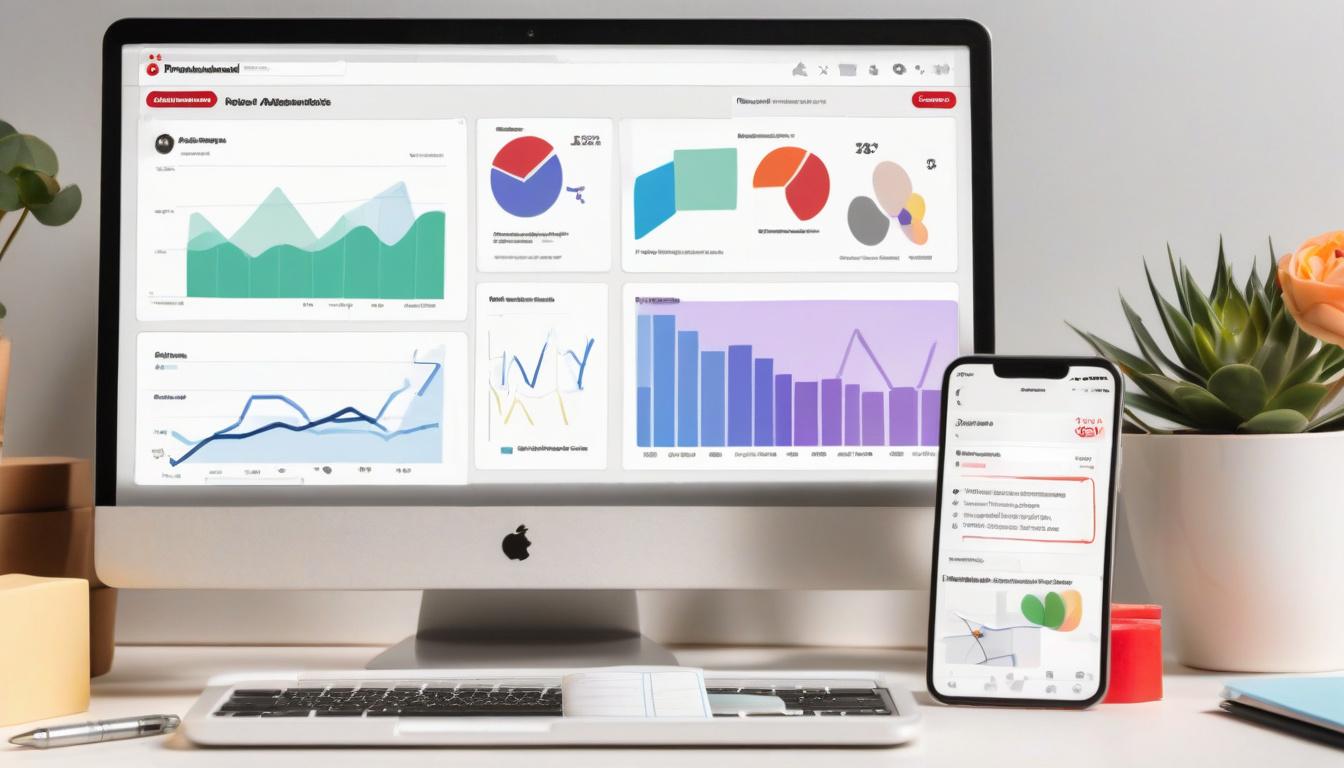
To analyze your Pinterest analytics, start by checking how many people see your pins. This is called impressions. It shows how often your pins appear on screens. Next, look at engagement. This tells you how many people clicked on your pins or saved them. High engagement means people like your content!
Use these insights to improve your Pinterest marketing. For example, if a pin about healthy snacks gets lots of clicks, create more pins like it. You can also check which boards get the most traffic. This helps you know what your audience enjoys.
Don’t forget to use keywords in your pin descriptions. This helps people find your pins. You can use tools like Google Analytics to see how much traffic comes from Pinterest to your website. This way, you can see what works best for your online presence.
At last, always include a call-to-action. Encourage people to visit your website or check out your blog. This can increase your traffic conversion and help you grow your audience!
Target Your Niche Audience with Tailored Content
To reach your audience on Pinterest, you need to make fun and eye-catching pins. Here are some tips:
- Create a Pinterest Board: Make a board just for your blog posts. This helps people find your content easily.
- Use Keywords: Add significant keywords in your pin titles and descriptions. This helps your pins show up in searches.
- Pin Consistently: Try to pin every day. Being consistent keeps your audience interested.
- Create Multiple Pins: For each blog post, make 3-5 different pins. Use different images and captions to get more clicks.
- Engage with Others: Pin content from others to build a community. This can also help more people see your pins.
Using Pinterest analytics tools can show you which pins are the most popular. This way, you can create more of what your audience enjoys!
“Tailored content helps connect with your audience, making your brand more relatable.”
Remember, the goal is to create value for your audience. When they find your content helpful, they are more likely to visit your website!
Share Infographics to Drive Traffic
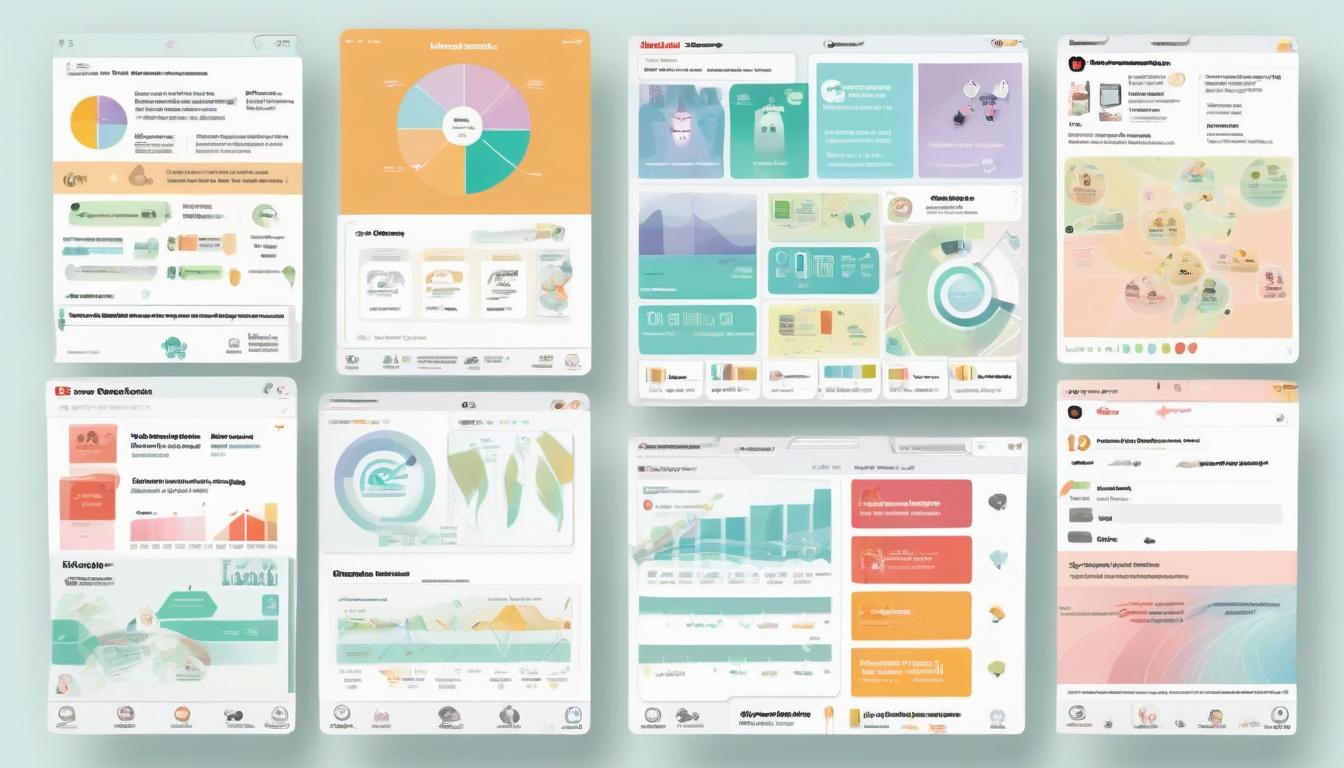
Sharing infographics on Pinterest is a smart way to bring more visitors to your website. Infographics are colorful and packed with information. They grab people's attention quickly. When I create an infographic, I make sure it has a clear message and is easy to understand.
Here are some tips for sharing infographics:
- Create Eye-Catching Designs: Use bright colors and clear fonts to make your infographic stand out.
- Include a Call-to-Action: Encourage viewers to visit your website for more information.
- Optimize for SEO: Use significant keywords in your pin descriptions to help people find your infographic.
- Pin Consistently: Share your infographic on different boards and at different times to reach more people.
By sharing infographics, I have seen my website traffic grow. Infographics can help you connect with your audience and build brand awareness. Remember, the more useful content you share, the more likely people will visit your site!
Cross-Promote Your Pinterest Content on Other Social Media
Cross-promoting your Pinterest content on other social media is a smart way to increase your website traffic. Here’s how I do it:
- Share Pins on Facebook and Instagram: I post my Pinterest pins on these platforms. This helps my friends and followers see my work.
- Use Hashtags: I add popular hashtags related to my pins. For example, if I share a recipe pin, I might use #Cooking or #Yummy.
- Engage with Followers: I ask questions or start conversations about my pins. This makes my audience feel involved and encourages them to visit my Pinterest.
- Link Back to Pinterest: In my posts, I remind people to check out my Pinterest boards for more ideas. This gives them a clear path to follow.
By using these strategies, I’ve seen my website traffic grow. It’s all about making connections and sharing great content!
Experiment with Pinterest Ads for Increased Reach
Pinterest is a great way to get more people to visit your website. I like to try Pinterest Ads to help with this. Here are some tips to reach more people:
- Create Eye-Catching Pins: Use bright colors and fun designs. Make your pins stand out!
- Use Keywords: Add significant words in your pin titles and descriptions. This helps people find your pins when they search.
- Pin Consistently: Try to pin at least 1-3 times a day. This keeps your content new and visible.
- Engage with Others: Share other people's pins too! This builds connections and can lead to more followers.
- Join Group Boards: Work with others to reach a larger audience. Group boards can help more people see your pins.
By using these strategies, I have seen my website traffic grow. Pinterest is like a treasure chest of chances for anyone wanting to share their ideas and content!
“Pinterest is not just a social media platform; it's a visual search engine!”
Frequently Asked Questions
What types of content perform best on Pinterest to drive traffic to my website?
Eye-catching pins with engaging titles, valuable resources, and relevant keywords perform best on Pinterest to drive traffic to your website.
How can I optimize my Pinterest pins for better visibility and engagement?
To optimize your Pinterest pins for better visibility and engagement, create eye-catching designs, use relevant keywords in titles and descriptions, and pin consistently while offering valuable content.
What are the most effective strategies to increase website traffic from Pinterest?
The most effective strategies to increase website traffic from Pinterest include creating eye-catching pins, using relevant keywords, pinning consistently, and engaging with group boards.
Conclusion
Pinterest can be a powerful tool for driving traffic to your website. By creating eye-catching pins and using relevant keywords, you can attract more visitors. I’ve seen firsthand how consistent pinning and engaging with others can increase my traffic remarkably. Remember, it’s not just about pinning your content; it’s also about sharing valuable resources from others. So, jump in, get creative, and watch your website traffic grow!



0 Comments